K
Kaysi
Guest
- Thread Author
- #1
DIY Ugly Christmas Cat Sweater Made with Silhouette CAMEO
For the past 15 years, I have been a stay at home mom. I basically spent the majority of my time at home, in my pajamas. I rarely got ready in the day. Well now that I work at a school, I get ready everyday and somewhere to go. I’ve had a lot of fun buying new clothes and having a reason to get dressed. This Christmas season we had a spirit week and one of the days was Sweater Weather. So naturally I wanted to wear an ugly Christmas sweater. I thought about going to the store and picking one up, but making one sounded like more fun . I had an extra DTF transfer from my Christmas pajamas, so I used that and made a DIY ugly Christmas cat sweater. I love how it turned out!
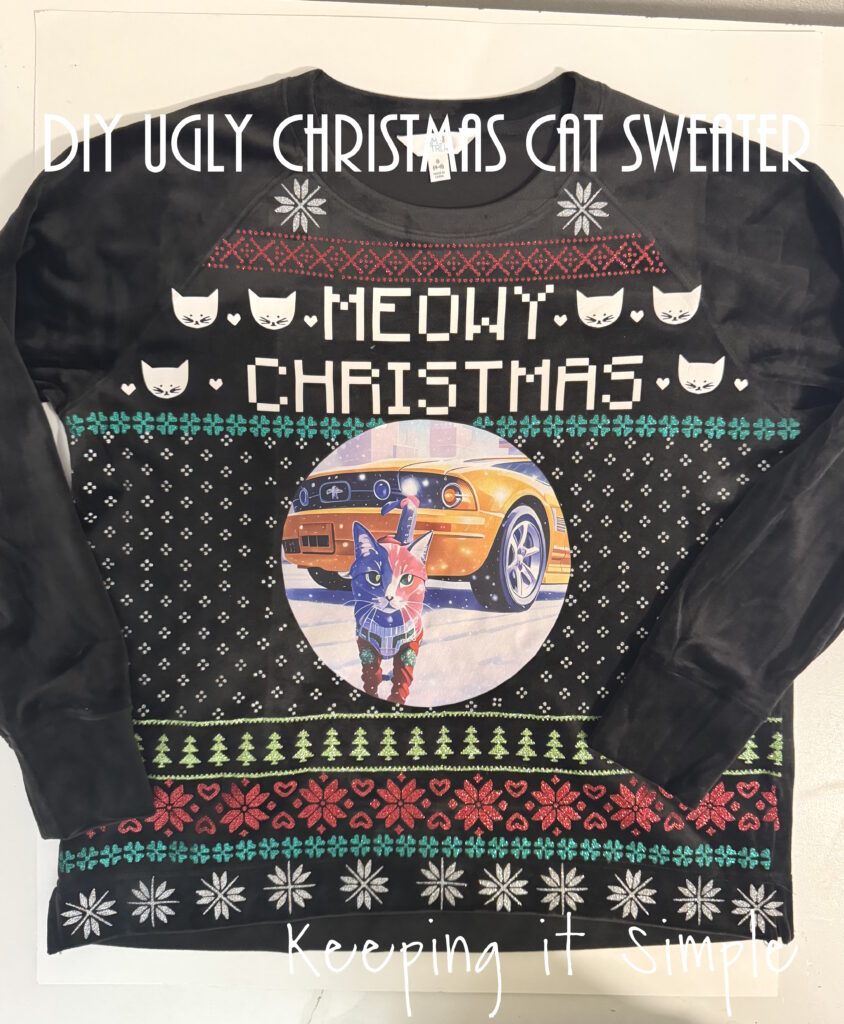
Here is a quick video of the process of how I made the DIY ugly Christmas cat sweater.
This is how I made the ugly Christmas sweater.
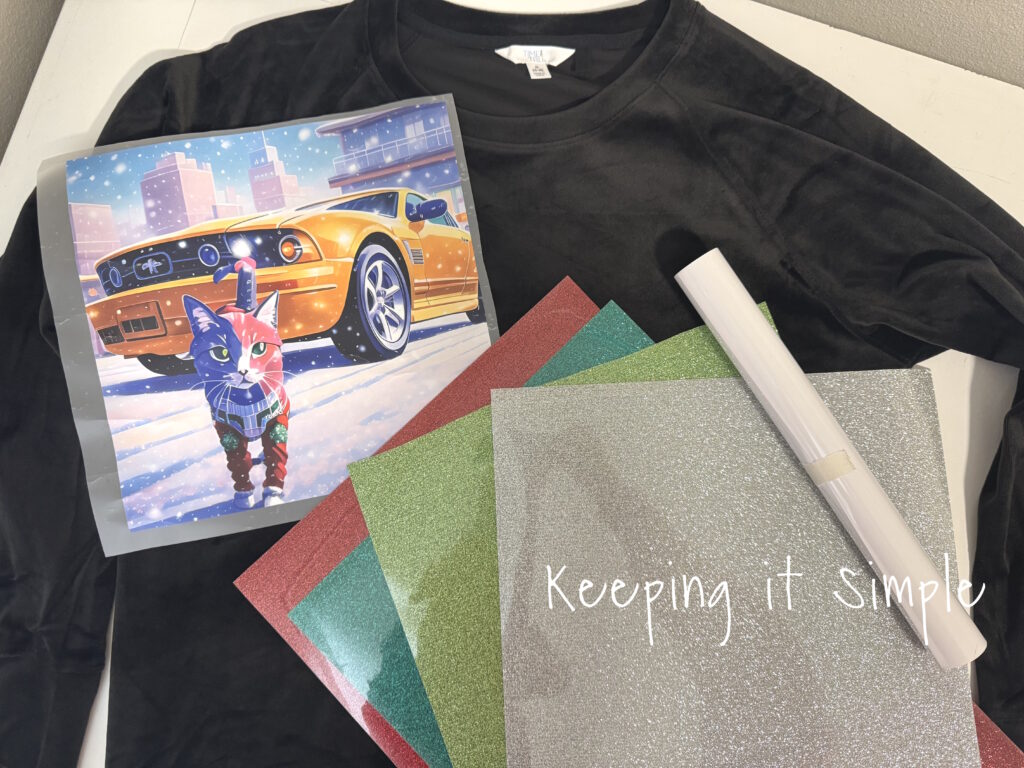
I started out with a black sweatshirt, a DTF transfer of my cat and yellow mustang, and then some awesome glitter heat transfer vinyl. I used colors green, red, light green and silver. I also used a white EasyWeed.
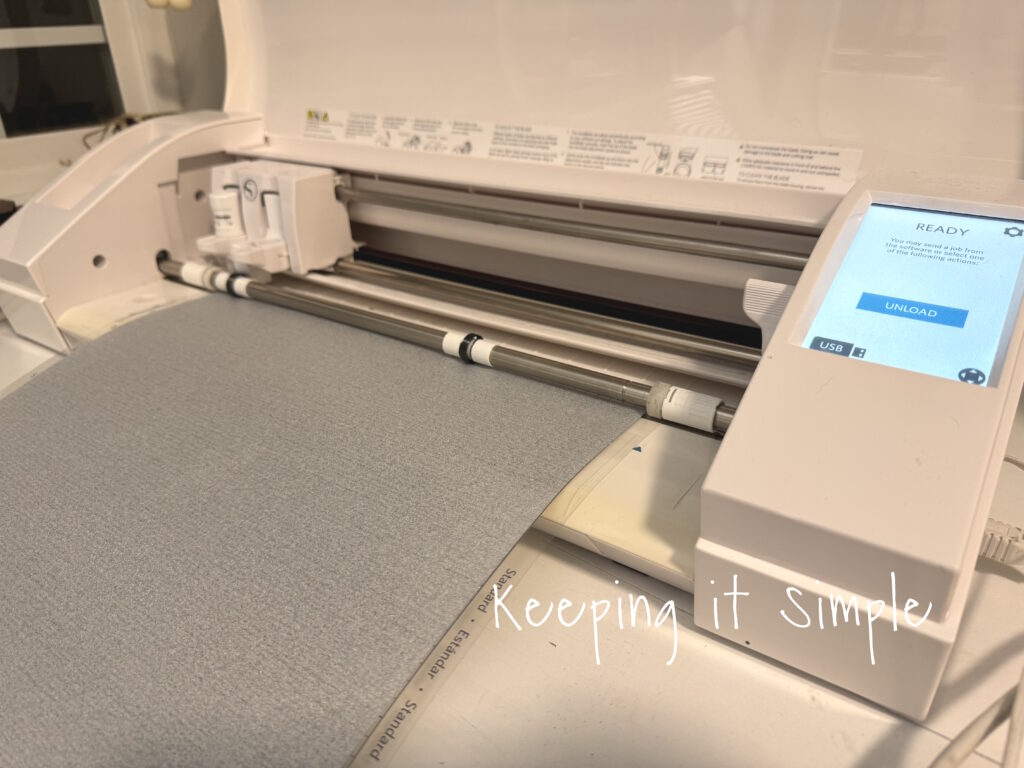
Using my Silhouette CAMEO, I cut out all of the designs for the ugly sweater.
Once I got all of the HTV cut, I weeded it.
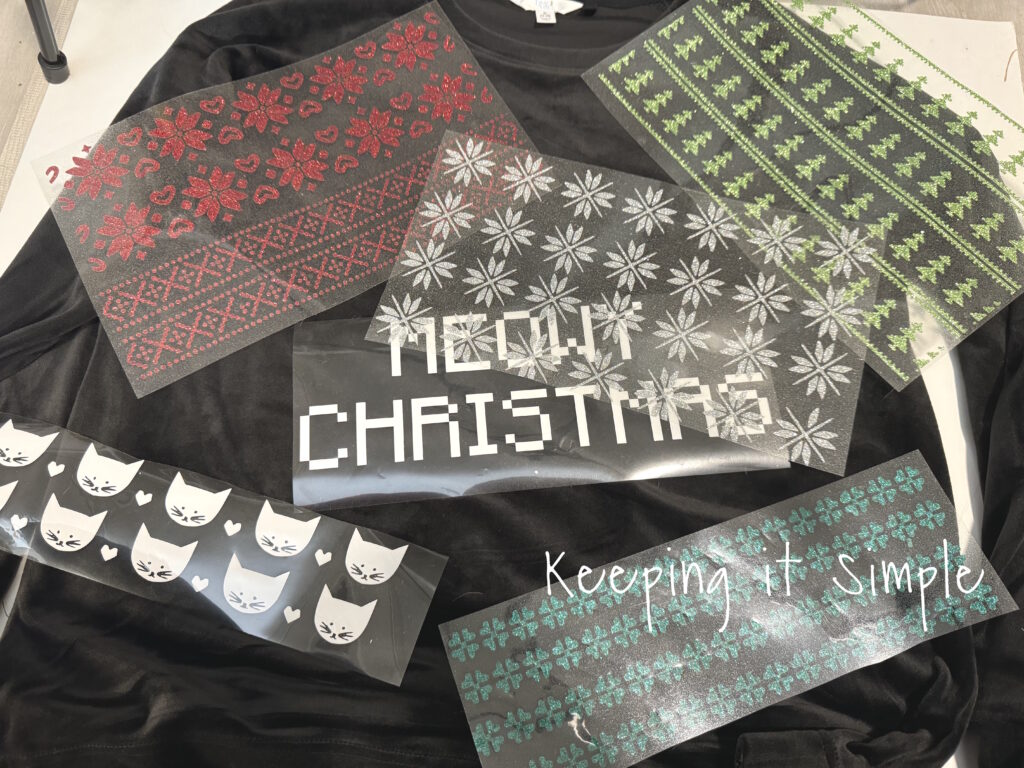
Once the HTV was all weeded, I then arranged onto the shirt. I cut the DTF transfer into a circle, just for fun.
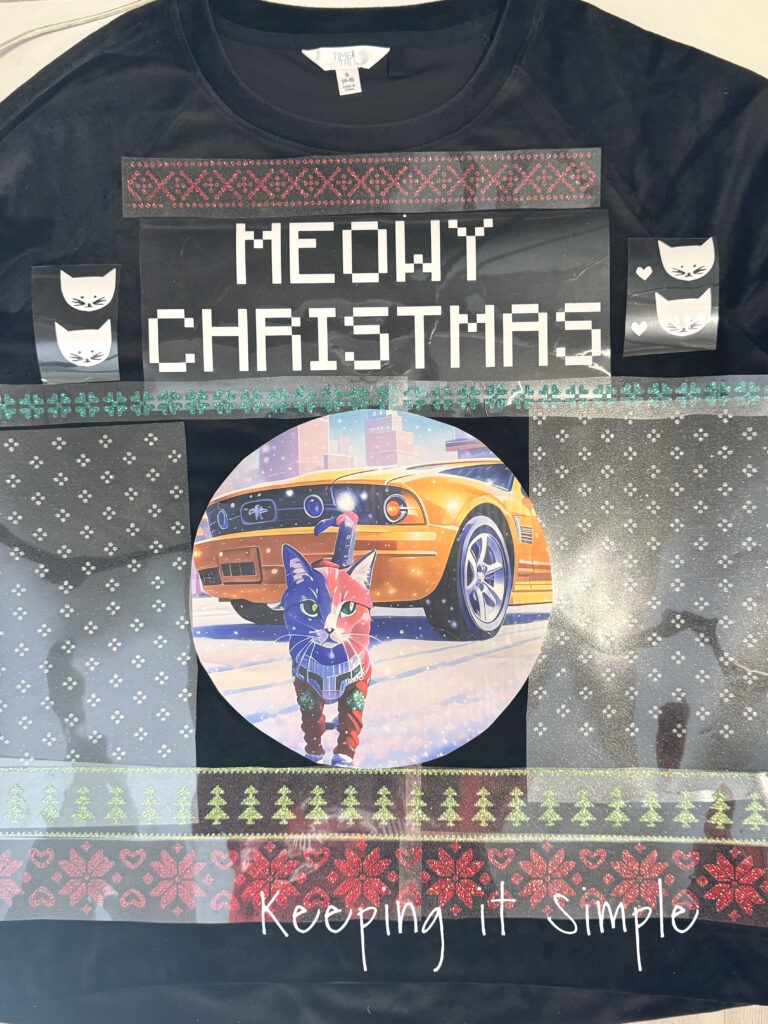
Once I got everything figured out, I then pressed the HTV onto the shirt. I did each line separately, starting from the top. For the glitter HTV I set my heat press to 320 degrees and pressed it for 15 seconds.
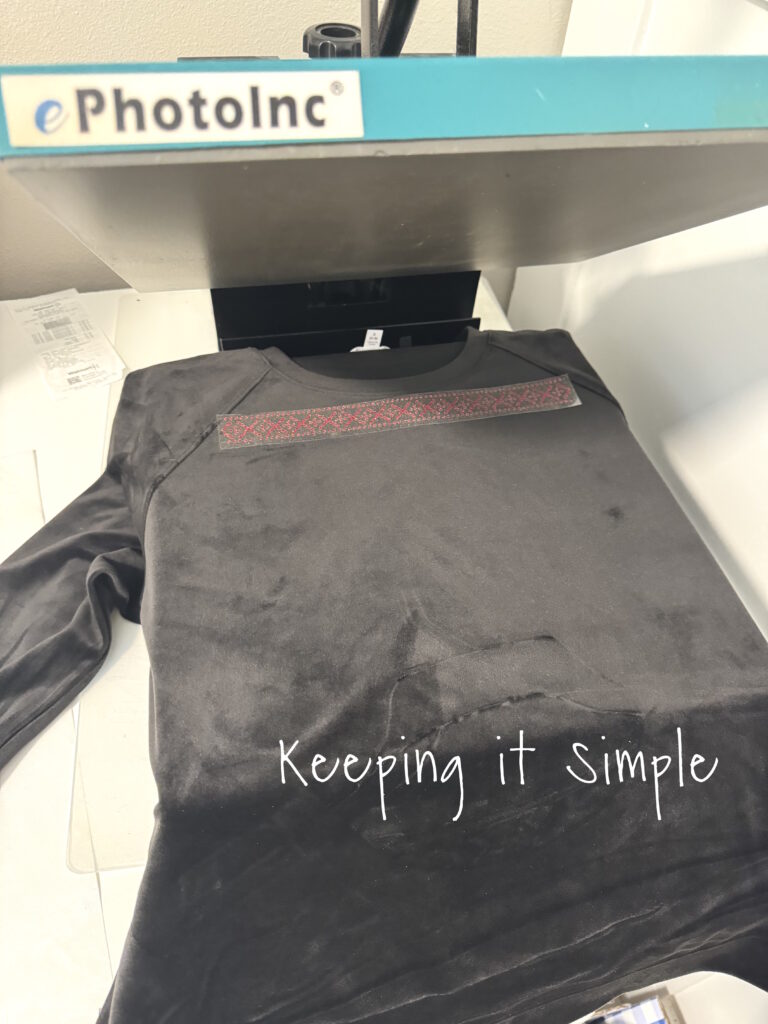
I continued adding the HTV to the shirt. For each layer, I placed a cover sheet over the design before pressing it again. You cannot layer glitter HTV, so I had to make sure the glitter didn’t overlap.
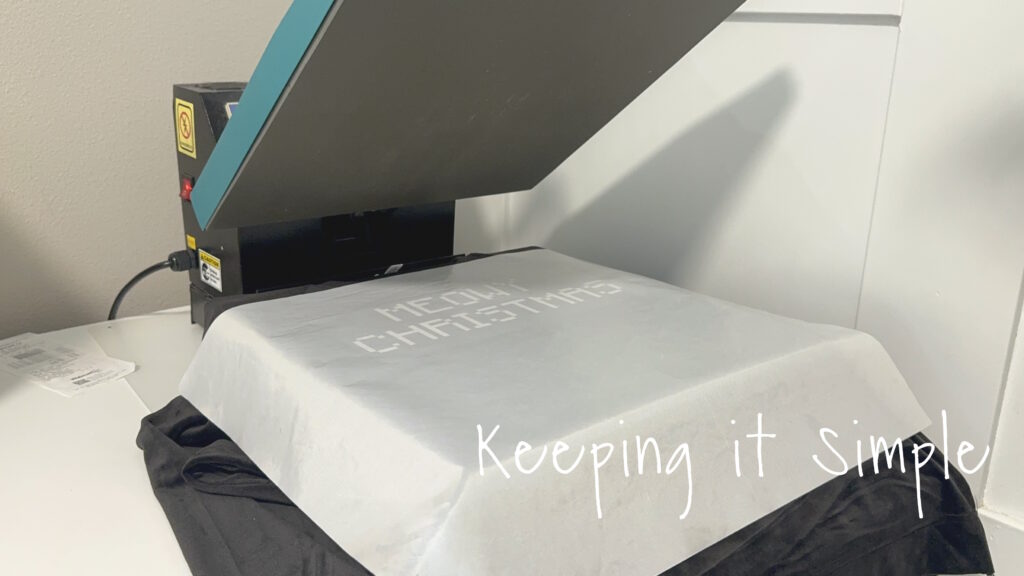
I continued adding the HTV. I tried to put all of the HTV onto the shirt before I put on the DTF transfer.
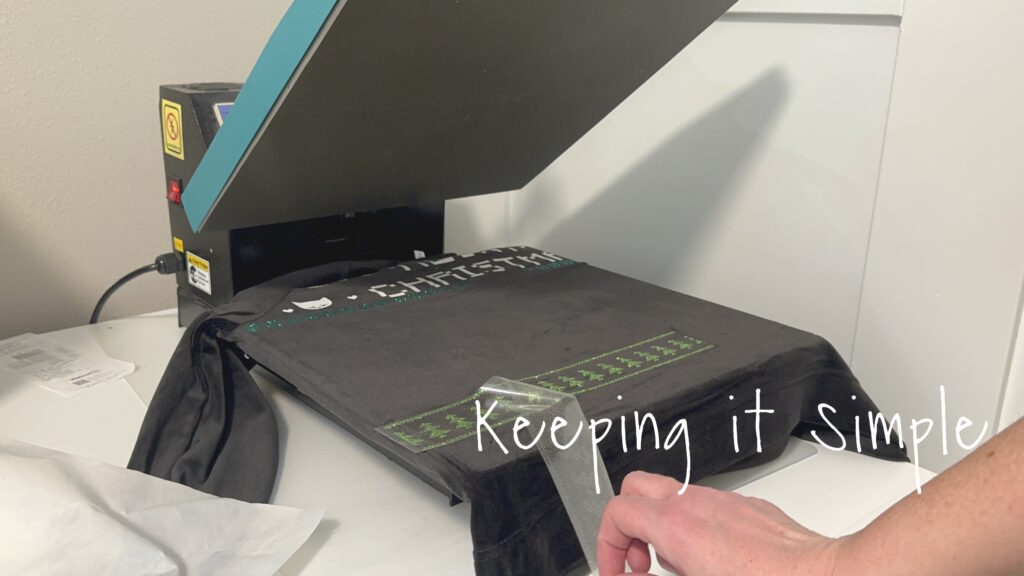
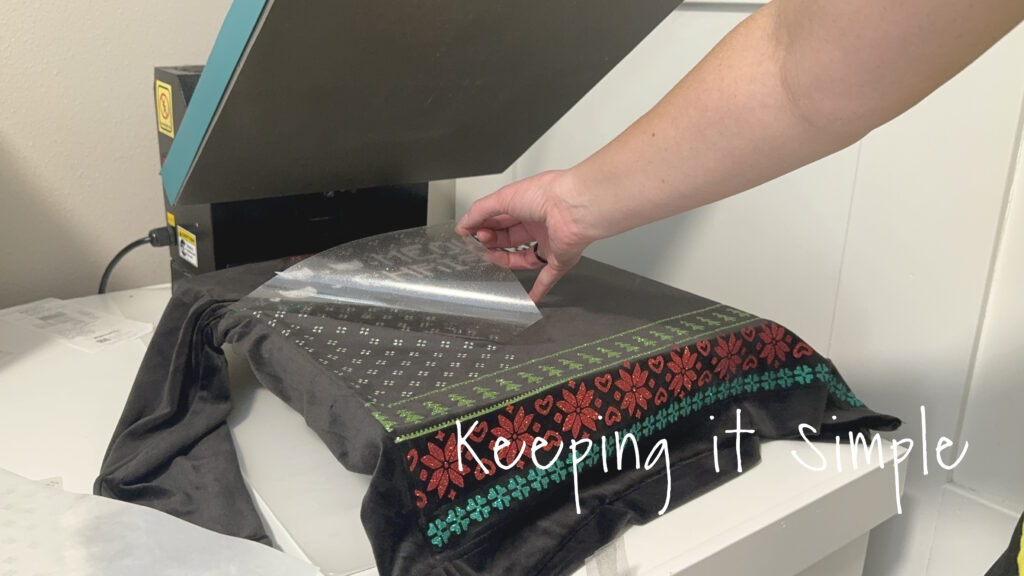
Once the majority of the designs were pressed onto the shirt, I then pressed the DTF transfer onto the shirt. I did turn down the heat press to 270 degrees and pressed it for 15 seconds.
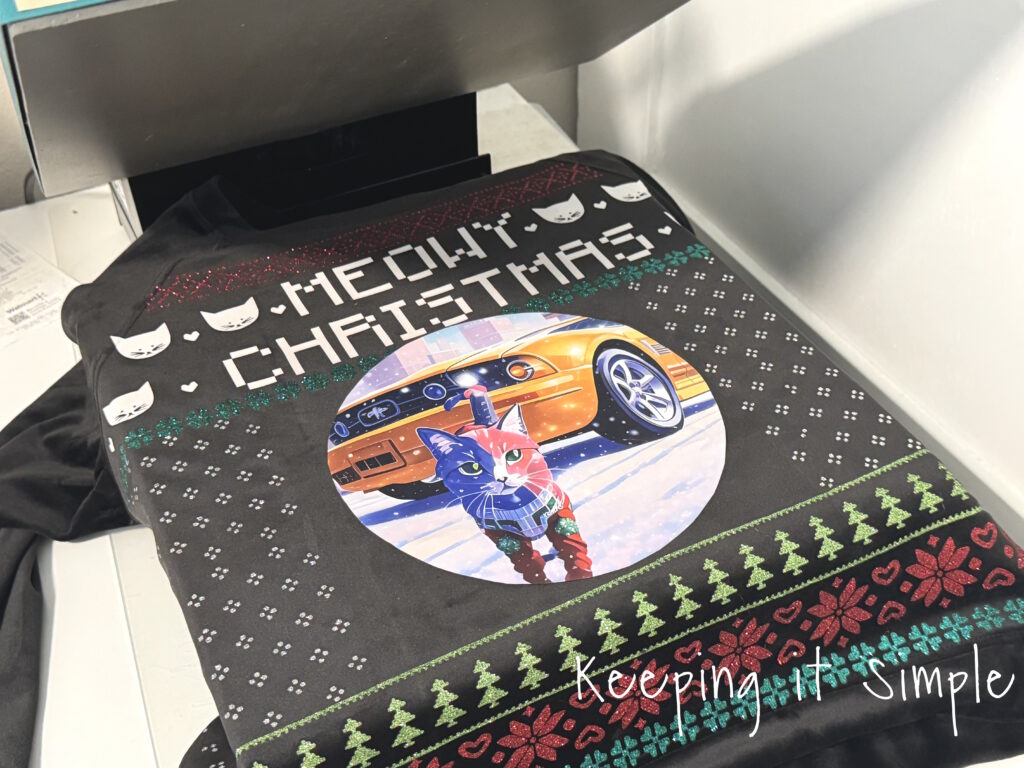
Once the DTF transfer was completely cool, I peeled off the plastic.
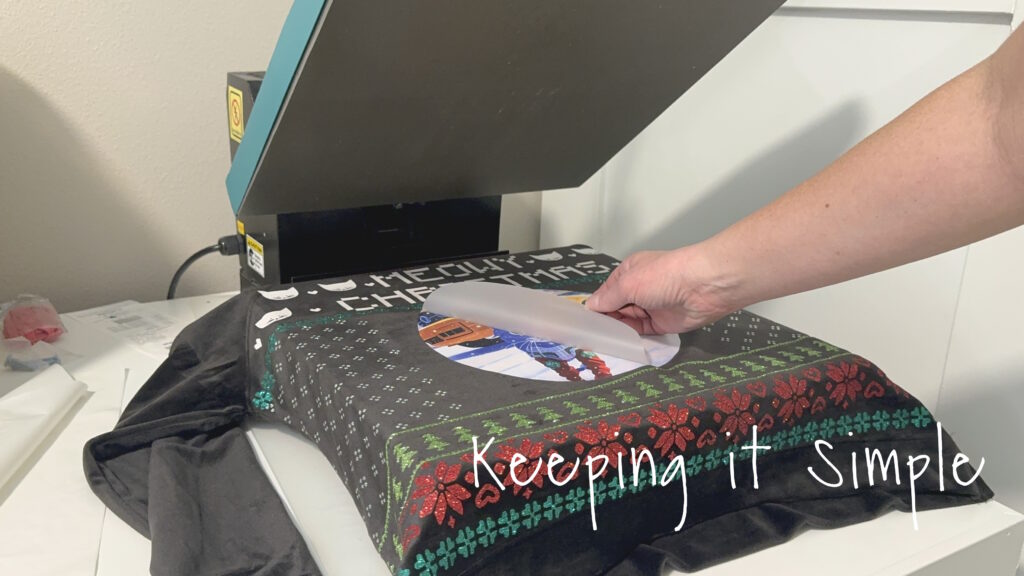
I then filled in the gaps with the left over HTV, also pressing the DTF transfer again. I used the cover to protect the designs.
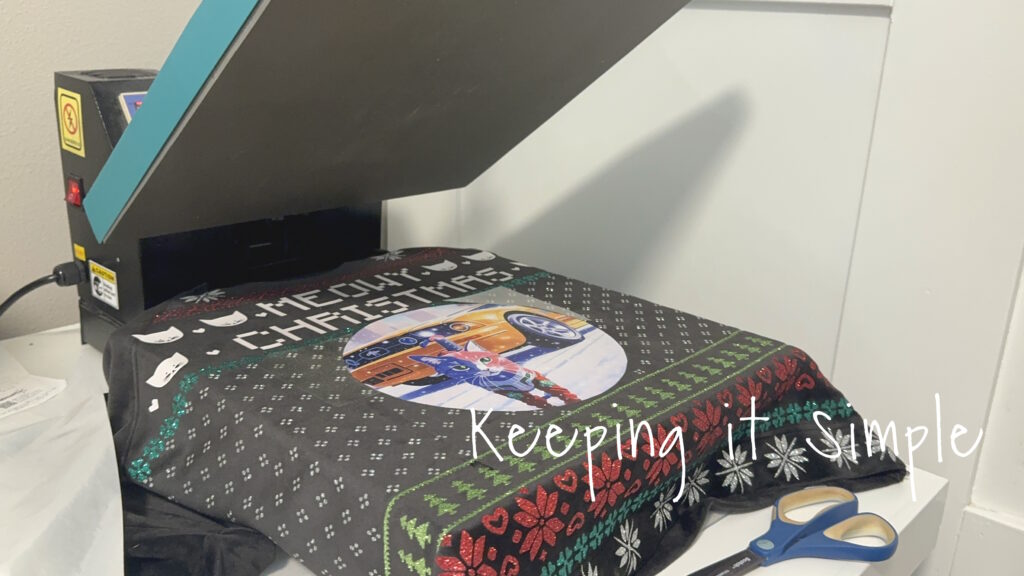
And that’s it!! It turned out so good. I just love the glitter heat transfer vinyl, it makes my heart happy!
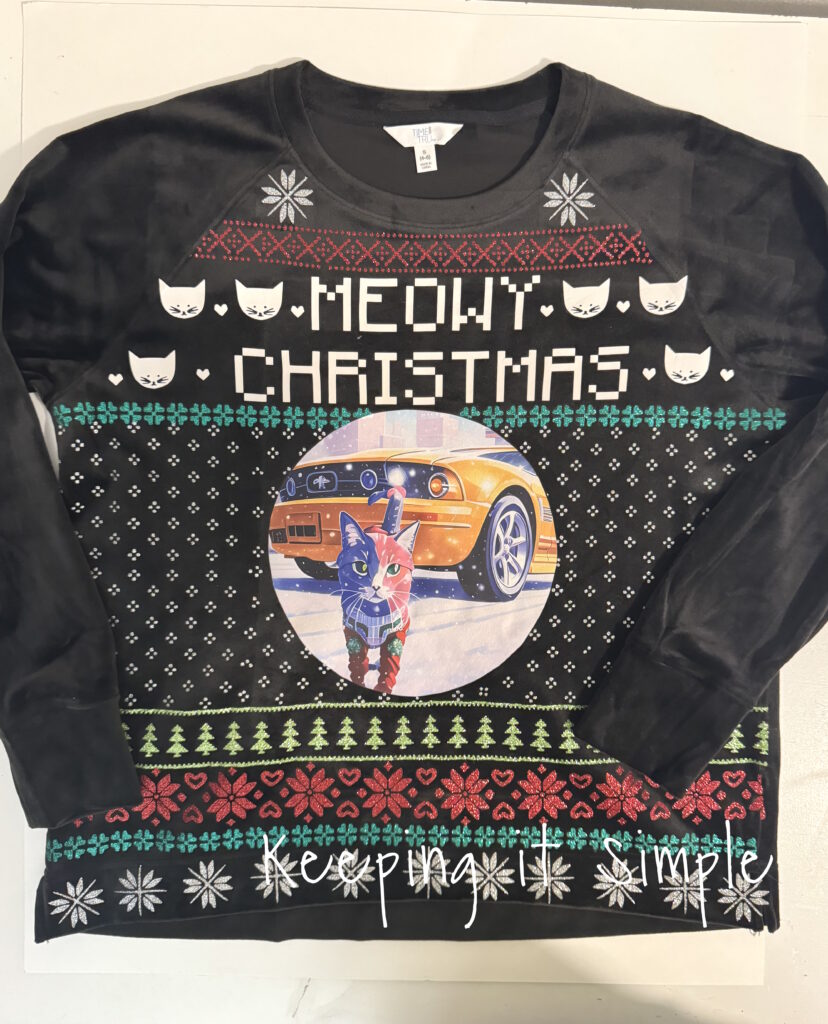
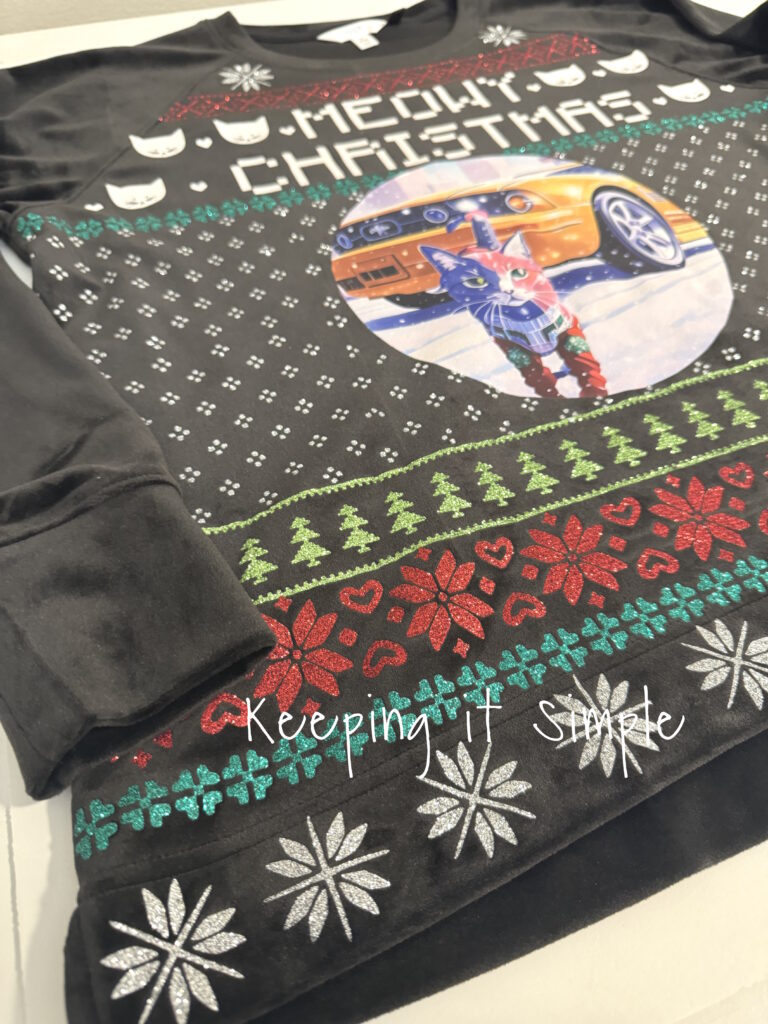
I paired it with a Santa hat and it was perfect to wear to school!

Check out all of my other Christmas craft ideas here!
For the past 15 years, I have been a stay at home mom. I basically spent the majority of my time at home, in my pajamas. I rarely got ready in the day. Well now that I work at a school, I get ready everyday and somewhere to go. I’ve had a lot of fun buying new clothes and having a reason to get dressed. This Christmas season we had a spirit week and one of the days was Sweater Weather. So naturally I wanted to wear an ugly Christmas sweater. I thought about going to the store and picking one up, but making one sounded like more fun
. I had an extra DTF transfer from my Christmas pajamas, so I used that and made a DIY ugly Christmas cat sweater. I love how it turned out!
Here is a quick video of the process of how I made the DIY ugly Christmas cat sweater.
This is how I made the ugly Christmas sweater.
I started out with a black sweatshirt, a DTF transfer of my cat and yellow mustang, and then some awesome glitter heat transfer vinyl. I used colors green, red, light green and silver. I also used a white EasyWeed.
Using my Silhouette CAMEO, I cut out all of the designs for the ugly sweater.
Once I got all of the HTV cut, I weeded it.
Once the HTV was all weeded, I then arranged onto the shirt. I cut the DTF transfer into a circle, just for fun.
Once I got everything figured out, I then pressed the HTV onto the shirt. I did each line separately, starting from the top. For the glitter HTV I set my heat press to 320 degrees and pressed it for 15 seconds.
I continued adding the HTV to the shirt. For each layer, I placed a cover sheet over the design before pressing it again. You cannot layer glitter HTV, so I had to make sure the glitter didn’t overlap.
I continued adding the HTV. I tried to put all of the HTV onto the shirt before I put on the DTF transfer.
Once the majority of the designs were pressed onto the shirt, I then pressed the DTF transfer onto the shirt. I did turn down the heat press to 270 degrees and pressed it for 15 seconds.
Once the DTF transfer was completely cool, I peeled off the plastic.
I then filled in the gaps with the left over HTV, also pressing the DTF transfer again. I used the cover to protect the designs.
And that’s it!! It turned out so good. I just love the glitter heat transfer vinyl, it makes my heart happy!
I paired it with a Santa hat and it was perfect to wear to school!
Check out all of my other Christmas craft ideas here!
This post contains affiliate links.
The post DIY Ugly Christmas Cat Sweater Made with Silhouette CAMEO first appeared on Keeping it Simple.