K
Kaysi
Guest
- Thread Author
- #1
Laser Cutter Wooden Valentines made with xTool S1 with Free SVG Cut File
If you are new to laser cutters, check out my beginner’s guide to xTool.
If you are new to laser cutters, check out my beginner’s guide to xTool.
Valentine’s Day is coming up soon! One of my favorite thing to do is make homemade Valentines. Now that I have an awesome laser cutter, I thought it would be fun to make wooden Valentines to hand out in school. These were super fun to make and I can’t wait to hand them out. I made them so the kids could paint or color them with markers. There are 6 different designs, all included in the free SVG cut file. I did the hard part, all you have to do is get it set up in XCS and then cut it out.
Here is a quick video of the process of how to make the wooden valentines made with xTool S1.
This is how I made the wooden Valentines.
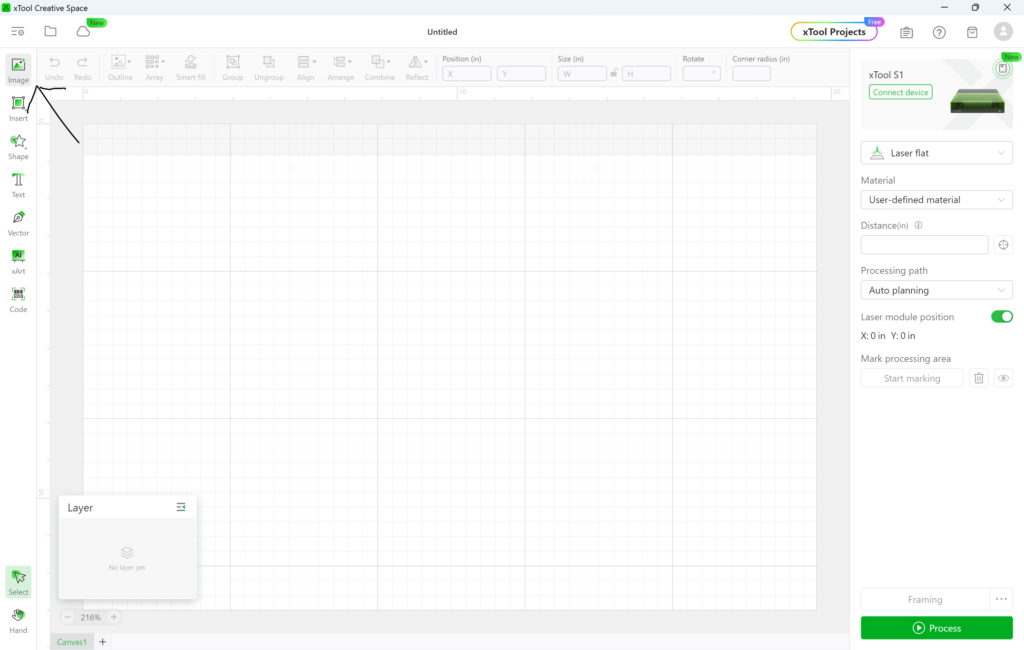
In xTool Creative Space, the first thing I did was open the SVG file. I clicked on the image button and then uploaded the SVG file. You can get the SVG file here:
Wooden Valentines
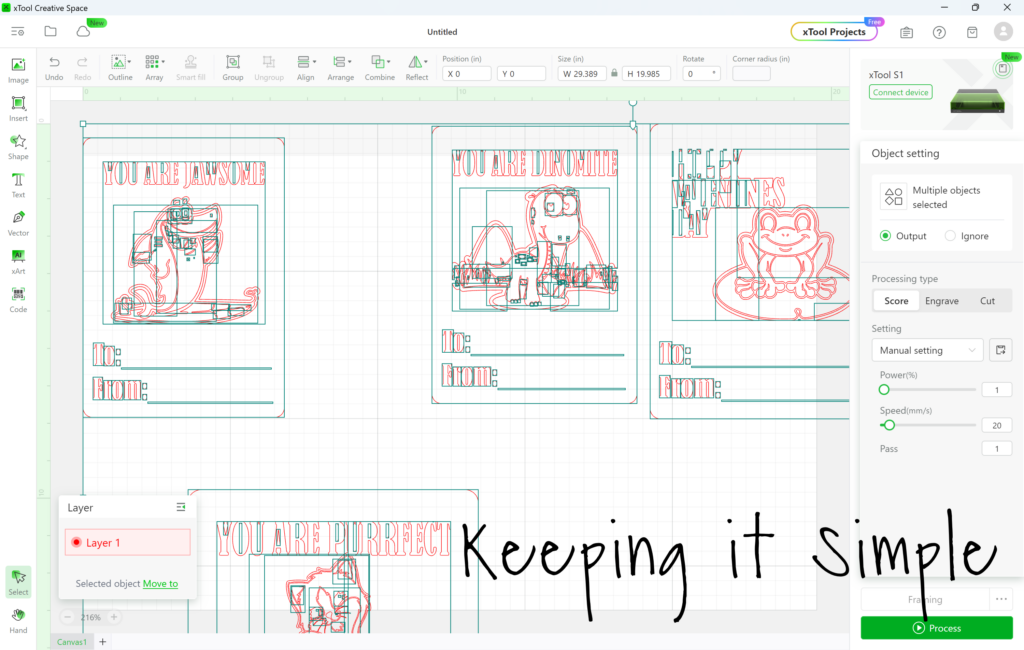
Once the image is opened, it will look like this. All the pieces will be separate.
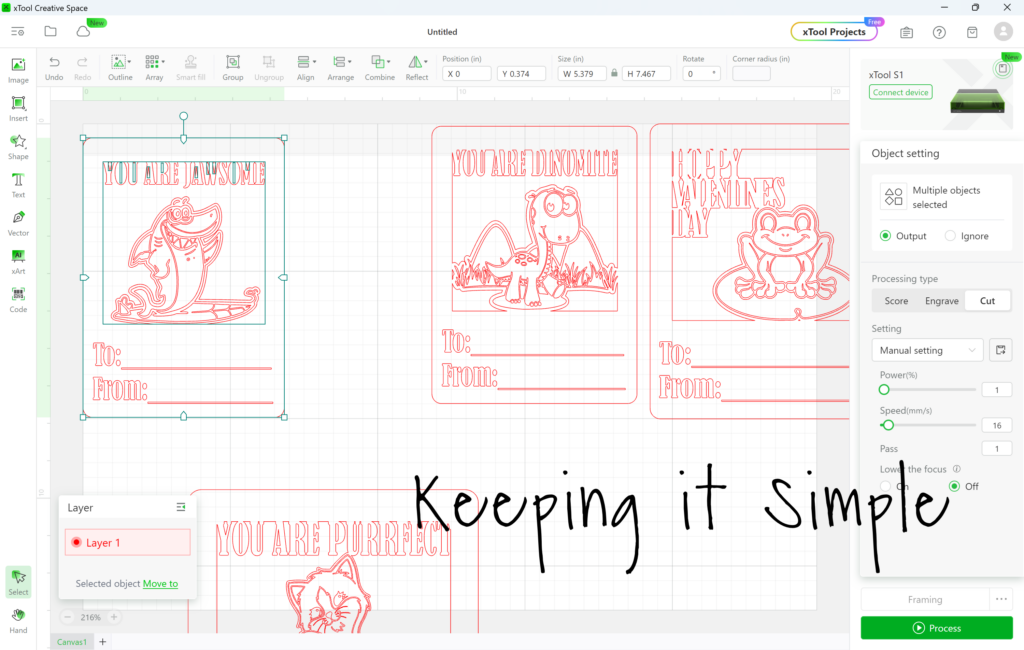
I then worked on each design separately. The default setting is score, so I highlighted the parts of the image that I wanted to cut and then clicked the cut button. As you can see, the outside lines are highlighted. The middle of the design and words are not highlighted because they are going to be scored. Once I got the settings configured, I then group the design together. Then I sized it 3.75 inches wide and 5 inches high.
I repeated the process for each design and then resized all of them.
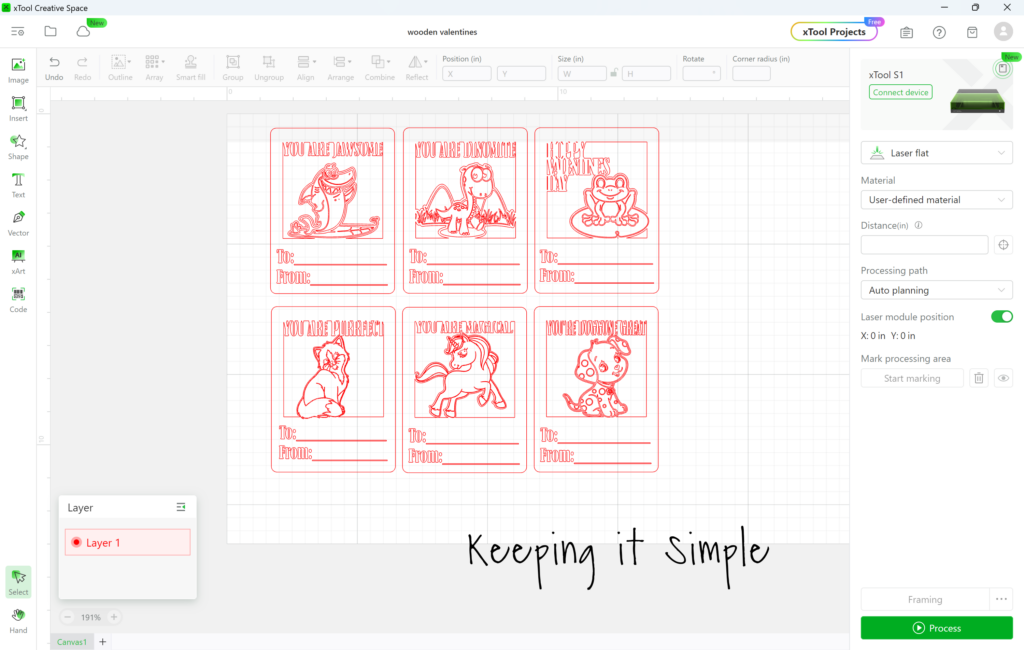
I put a 12×12 3mm basswood plywood onto the xTool S1 and then positioned the designs to fit onto the board. The 6 designs will fit onto on plywood sheet.
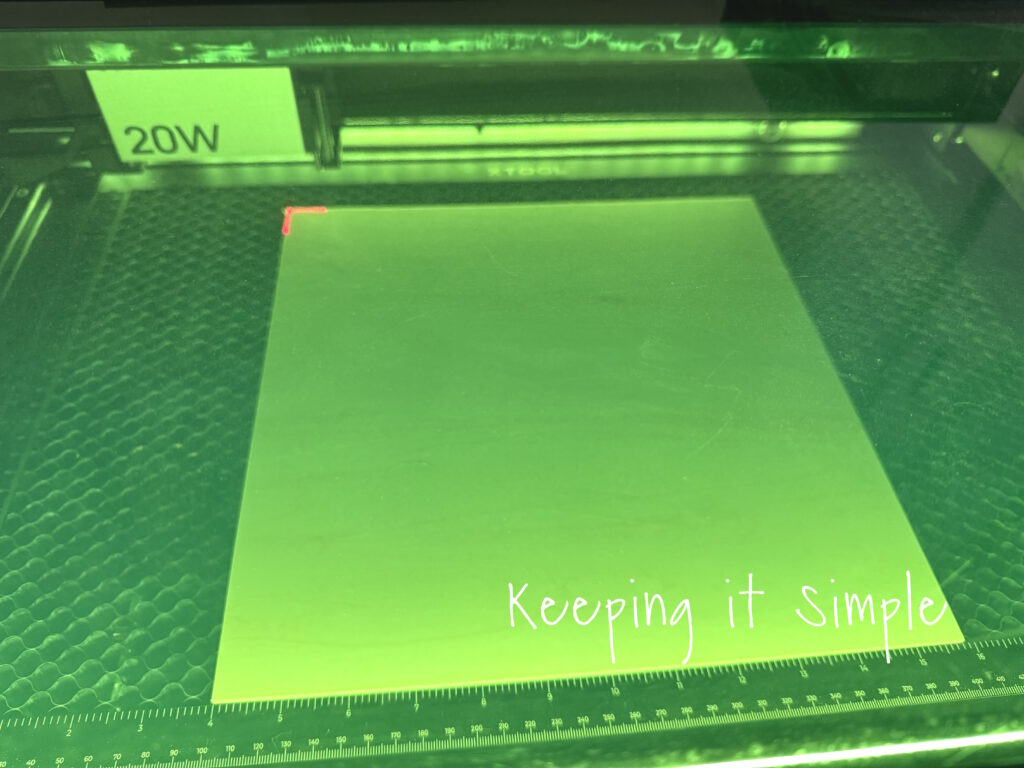
I sent the design to the machine and watched it work it’s magic. At first it scored the designs.
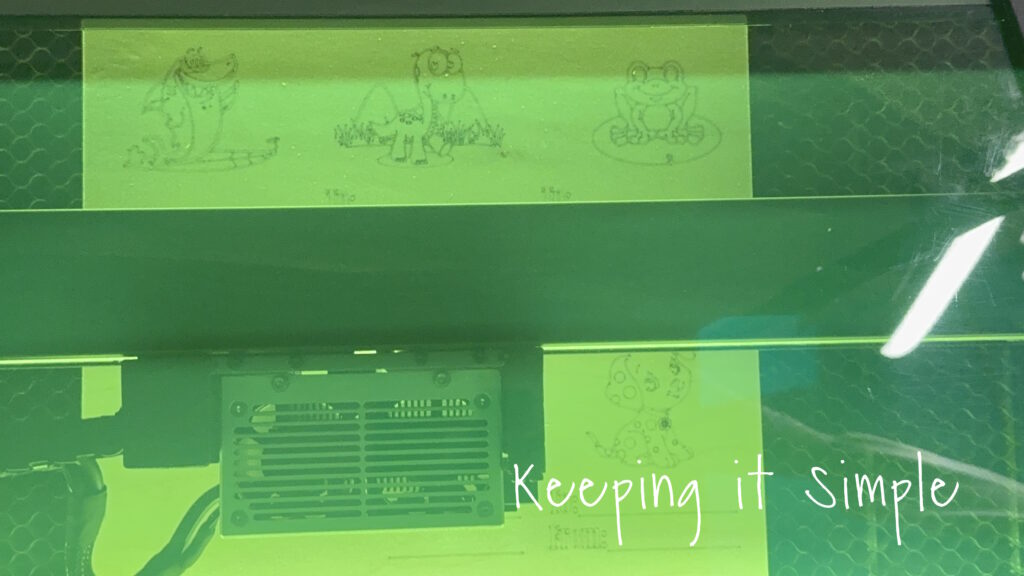
Once the scoring was completely done, the machine then started cutting the wood. One of the coolest part of the is the automatic air assist. It was off during the scoring but it automatically turned on once the laser started cutting. It’s so cool!
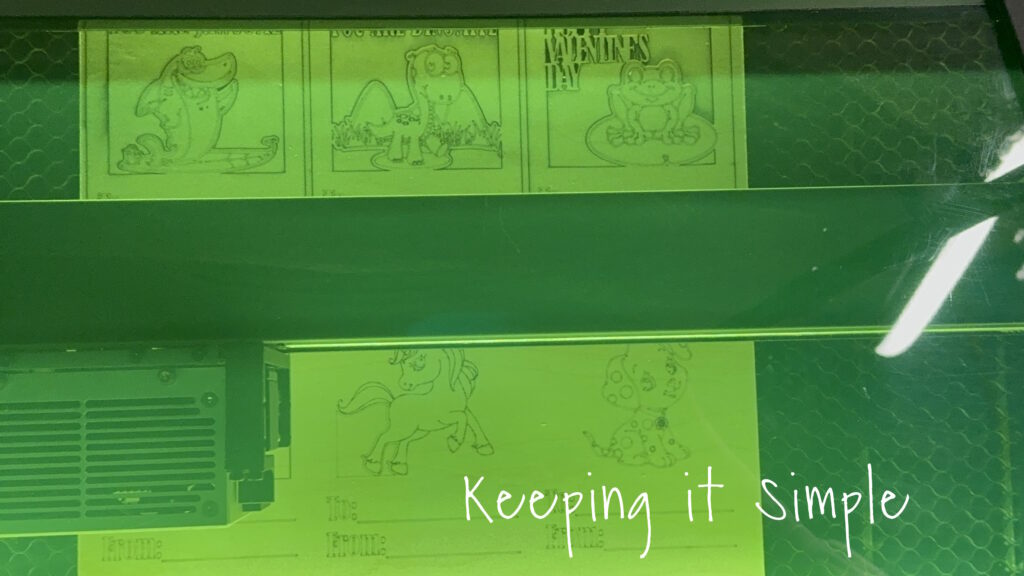
It took about 30 minutes to make all 6 designs.
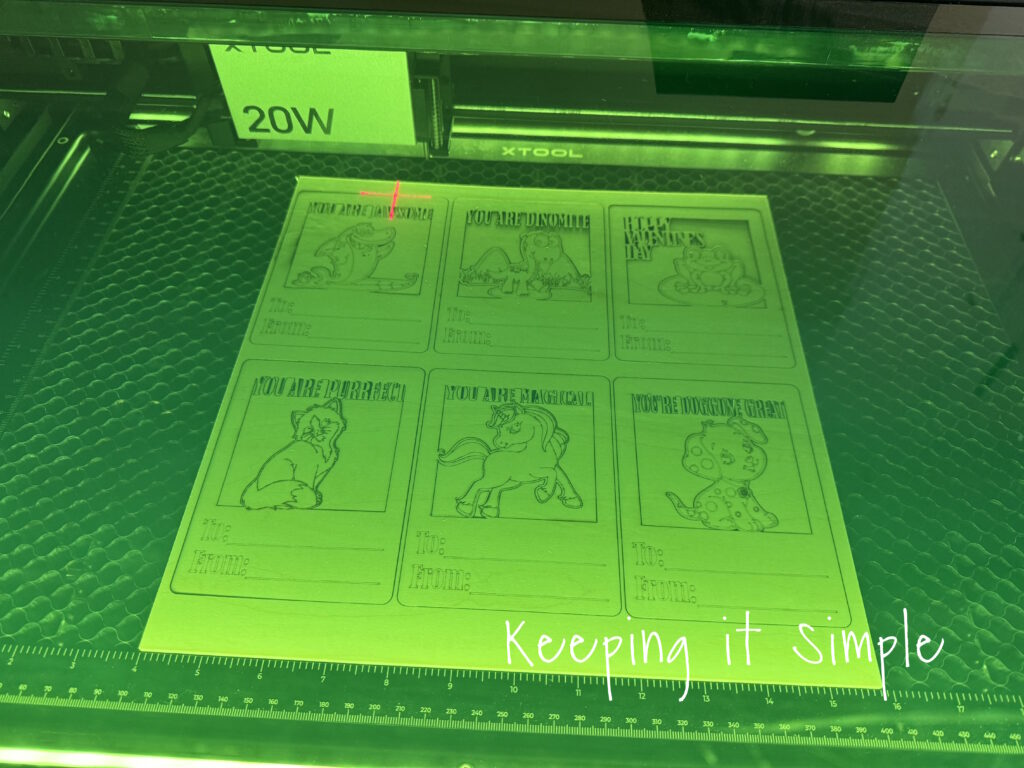
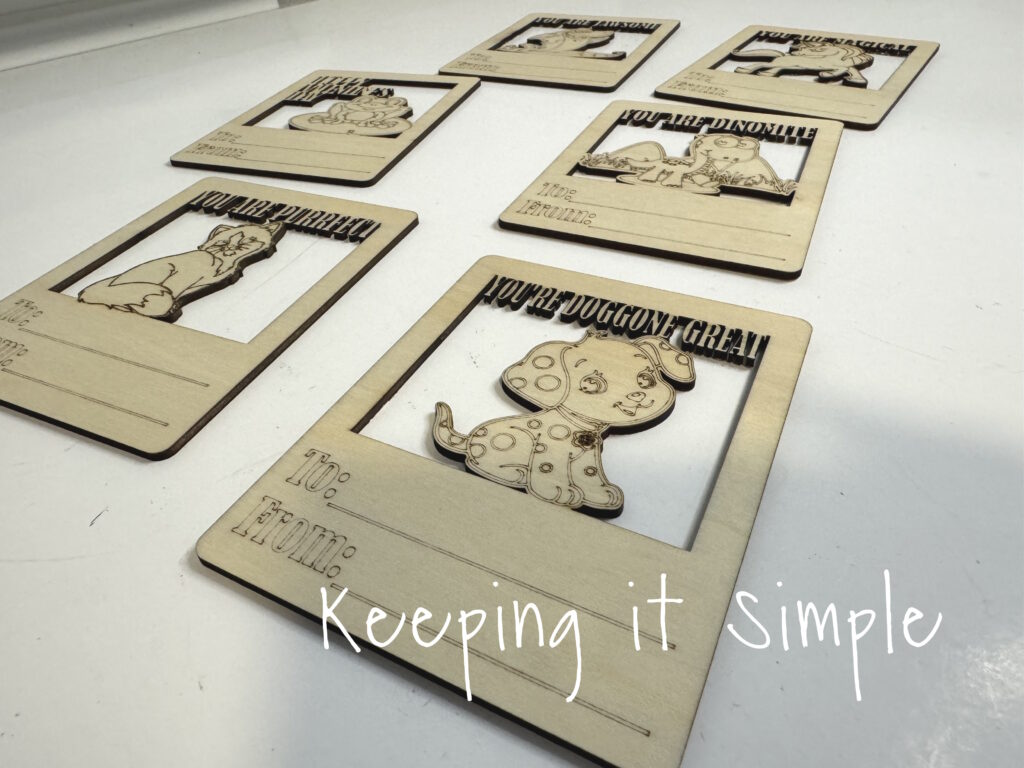
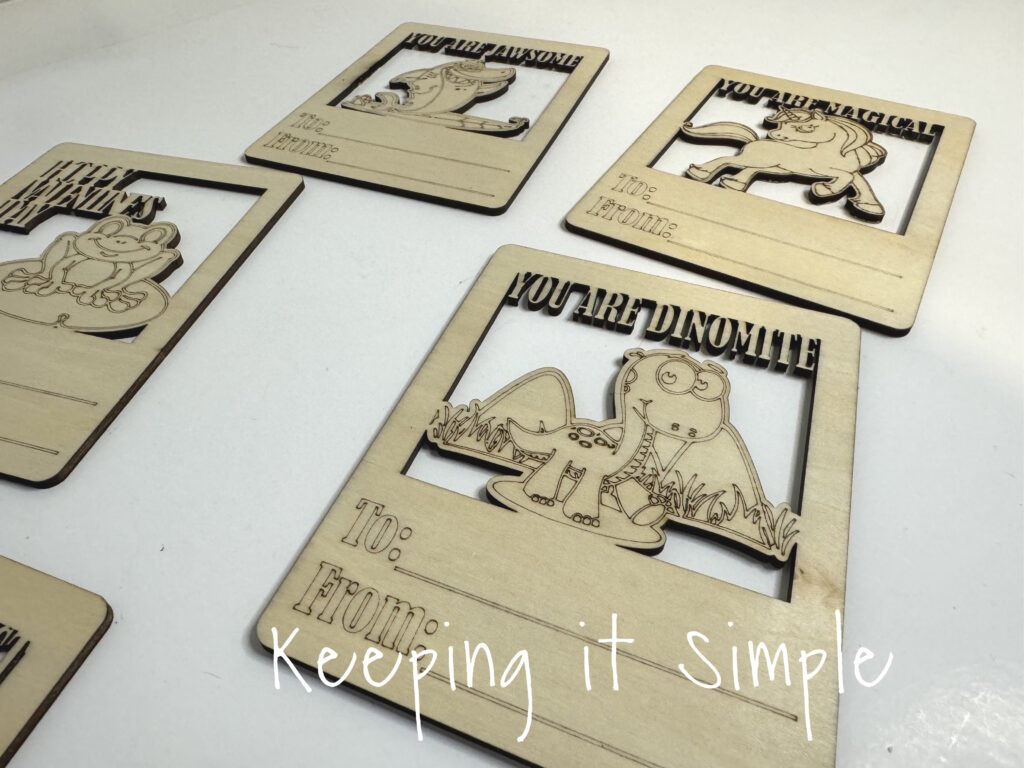
Look at those details! This laser cutter is amazing!
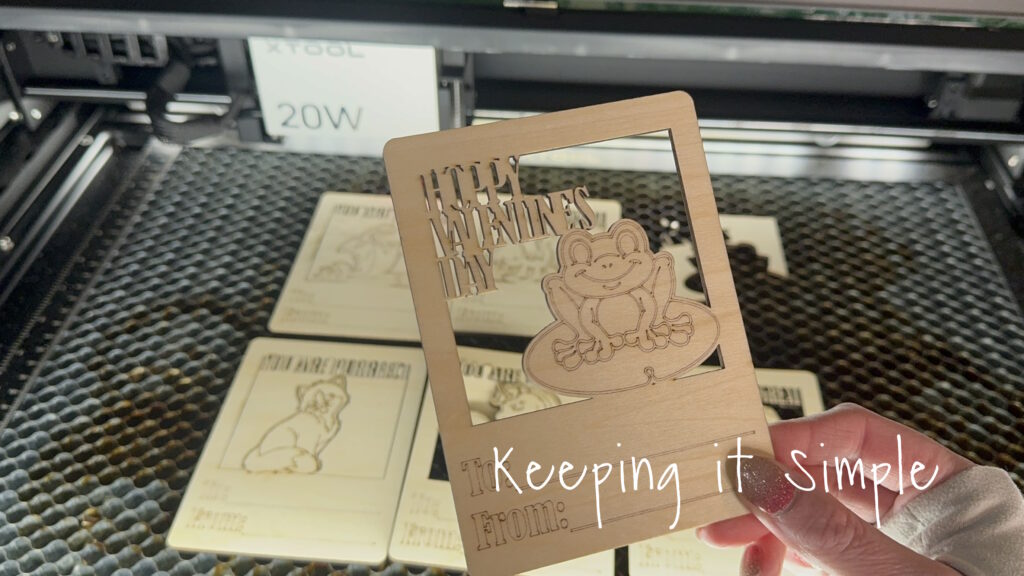
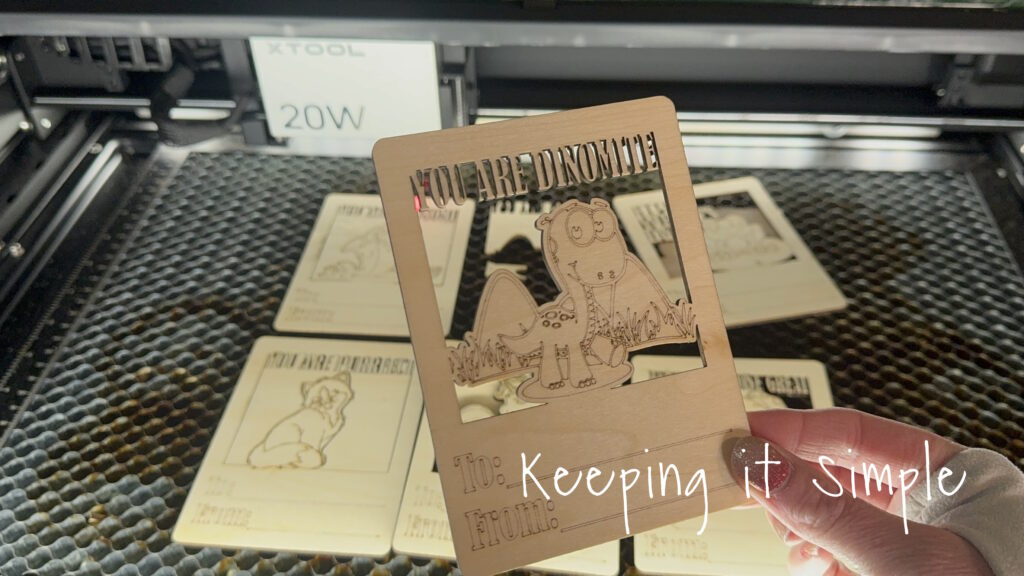
Here are the 6 designs all cut out and ready to go.
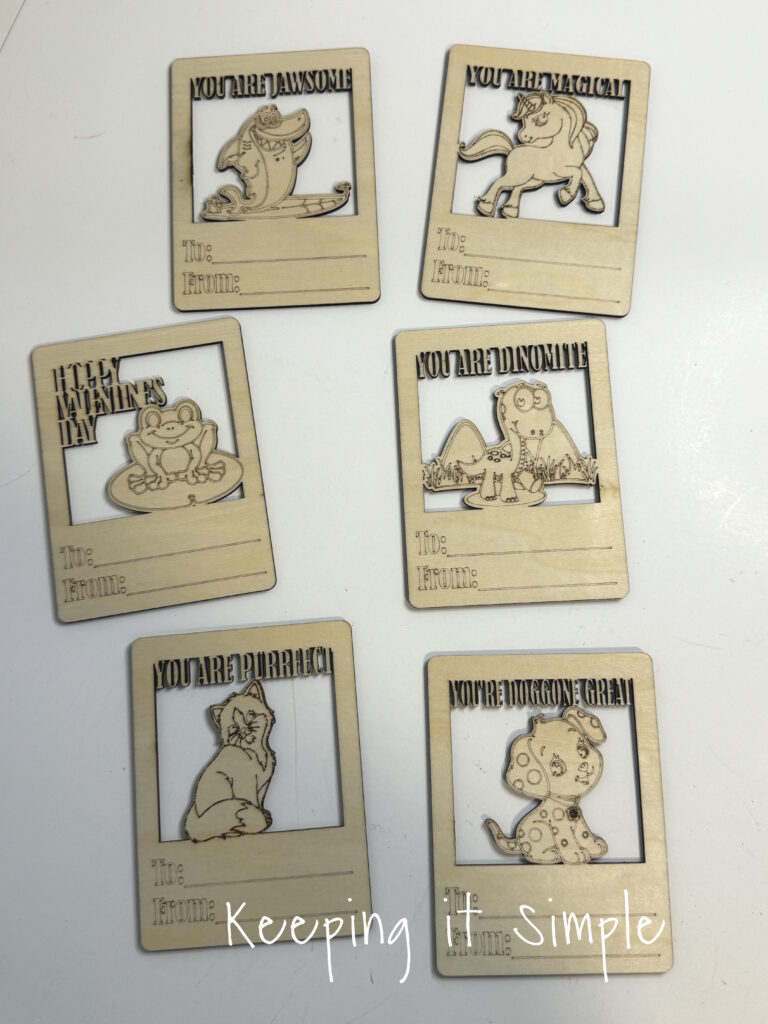
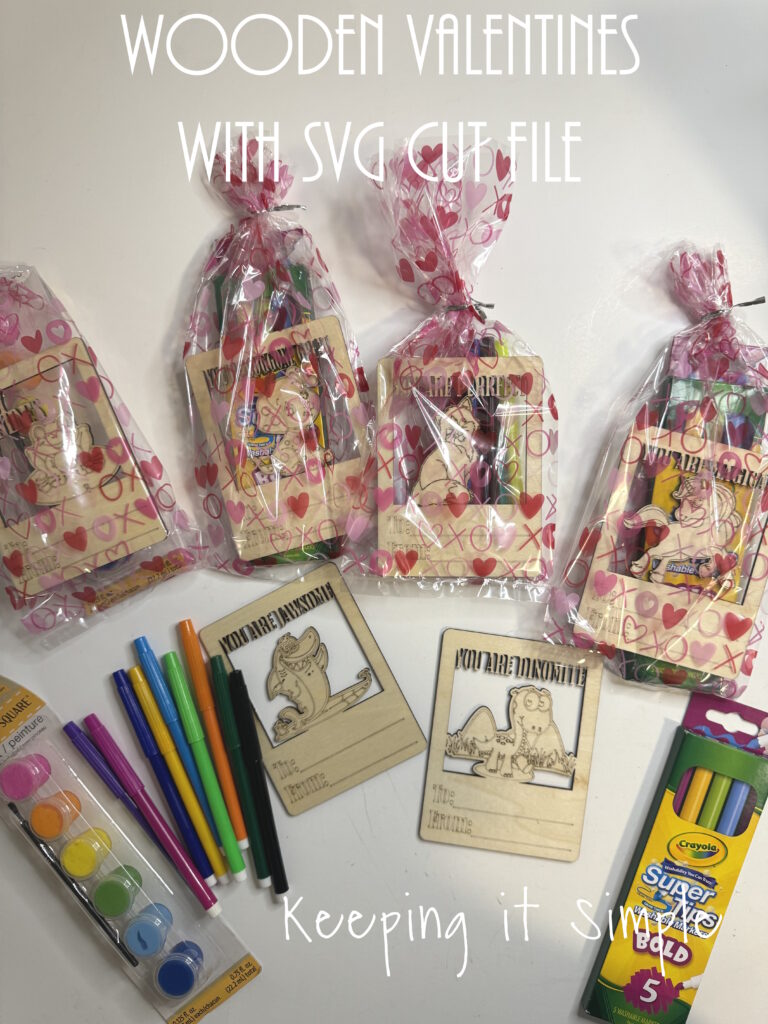
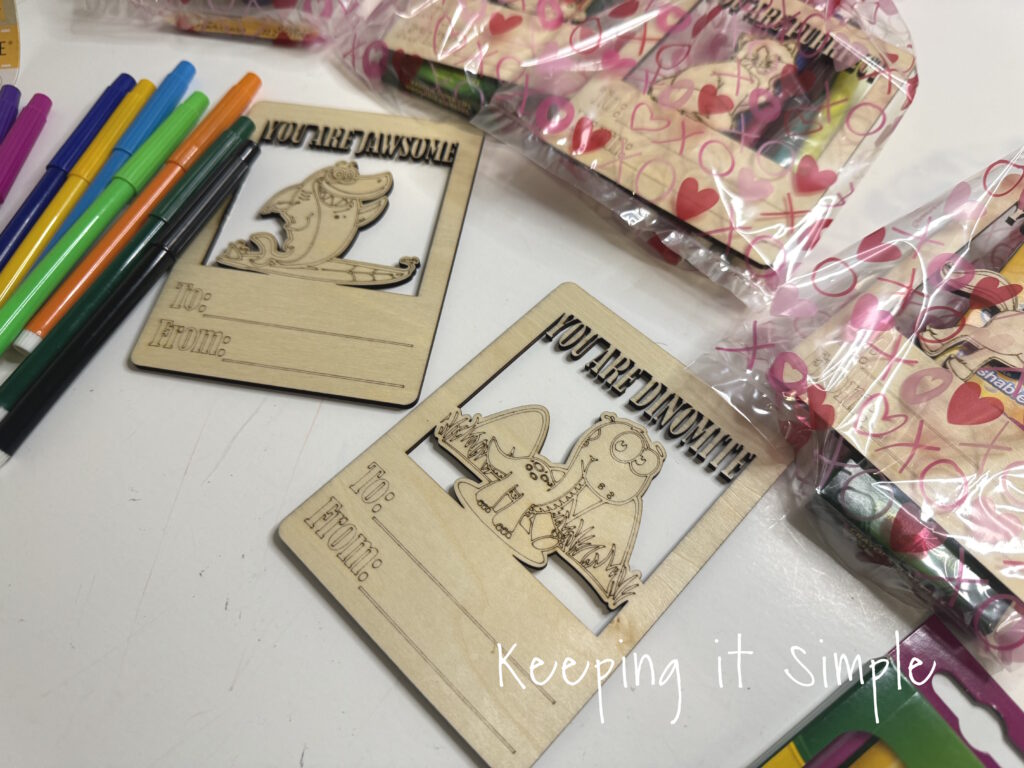
I got some cheap Valentine’s Day bags and some markers and paint to put with the wooden valentines.
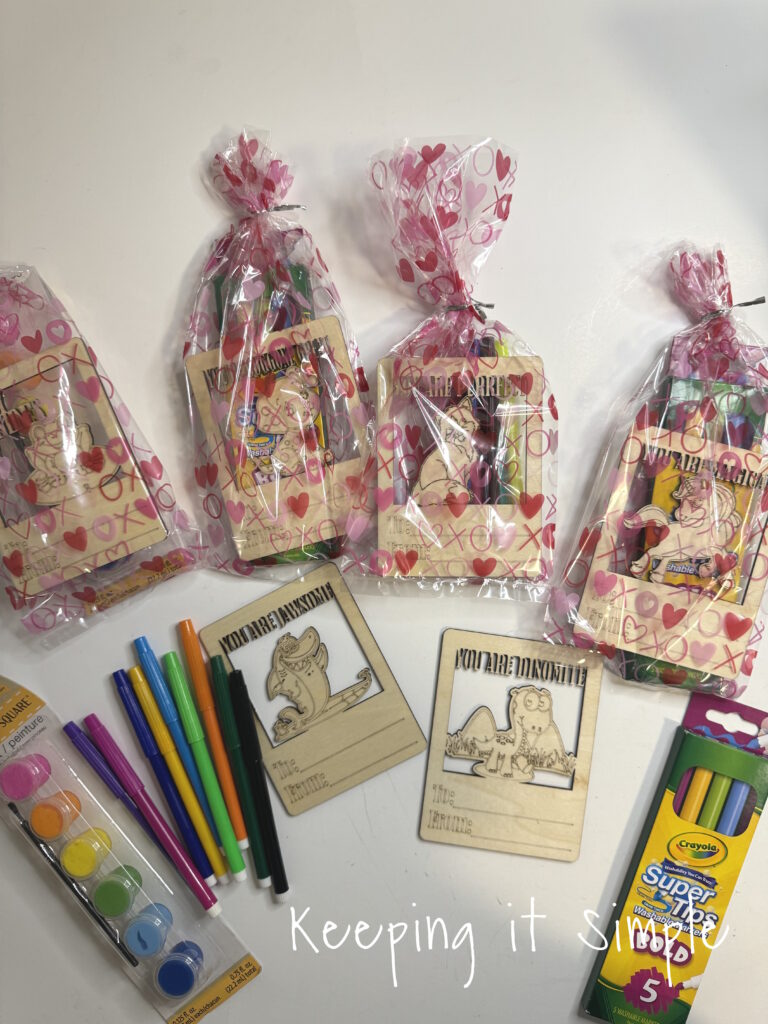
And that’s it! I love how they turned out!
Here is a quick video of the process of how to make the wooden valentines made with xTool S1.
This is how I made the wooden Valentines.
In xTool Creative Space, the first thing I did was open the SVG file. I clicked on the image button and then uploaded the SVG file. You can get the SVG file here:
Wooden Valentines
Once the image is opened, it will look like this. All the pieces will be separate.
I then worked on each design separately. The default setting is score, so I highlighted the parts of the image that I wanted to cut and then clicked the cut button. As you can see, the outside lines are highlighted. The middle of the design and words are not highlighted because they are going to be scored. Once I got the settings configured, I then group the design together. Then I sized it 3.75 inches wide and 5 inches high.
I repeated the process for each design and then resized all of them.
I put a 12×12 3mm basswood plywood onto the xTool S1 and then positioned the designs to fit onto the board. The 6 designs will fit onto on plywood sheet.
I sent the design to the machine and watched it work it’s magic. At first it scored the designs.
Once the scoring was completely done, the machine then started cutting the wood. One of the coolest part of the is the automatic air assist. It was off during the scoring but it automatically turned on once the laser started cutting. It’s so cool!
It took about 30 minutes to make all 6 designs.
Look at those details! This laser cutter is amazing!
Here are the 6 designs all cut out and ready to go.
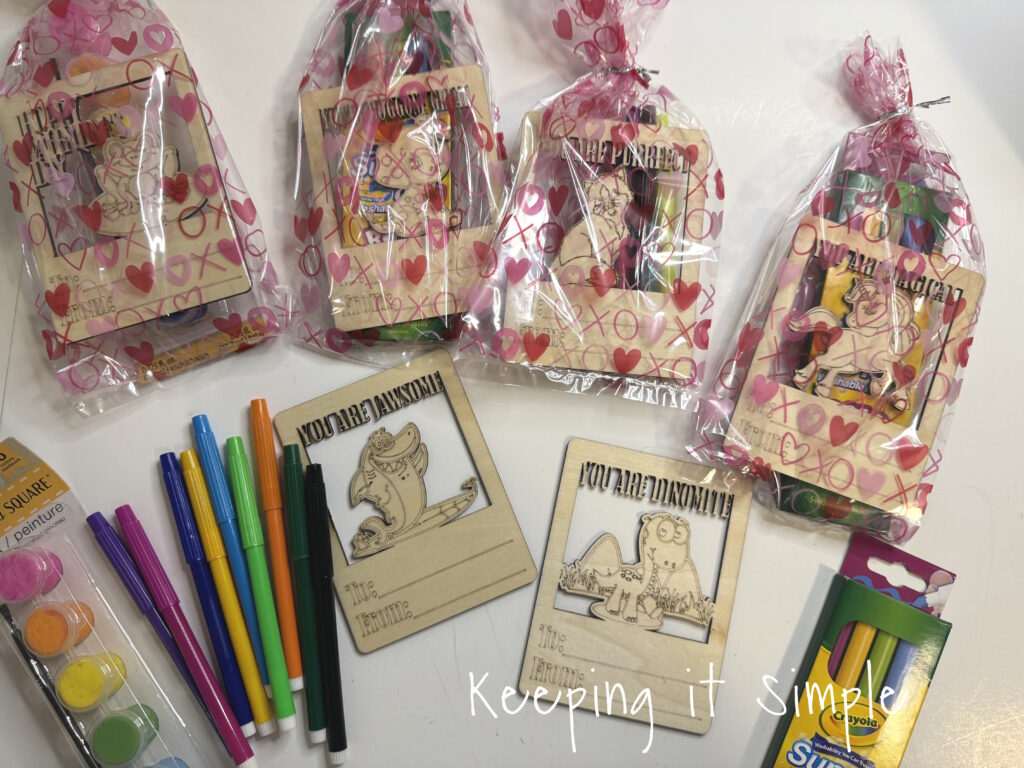
I got some cheap Valentine’s Day bags and some markers and paint to put with the wooden valentines.
And that’s it! I love how they turned out!
This post contains affiliate links.
The post Laser Cutter Wooden Valentines made with xTool S1 with Free SVG Cut File first appeared on Keeping it Simple.